Turn a tennis session into an Instagram Story
Some matches deserve more than a quick photo of the scoreboard. The close three-set win, the first session back after an injury, the doubles match that turned into a perfect afternoon: these are the days you want to remember and sometimes share. In tete, a session can become a vertical, 9:16 story image using the details you already recorded.
Four ways to make it yours
Choose a layout to match the moment:
- Sticker: a transparent design you can layer over another image.
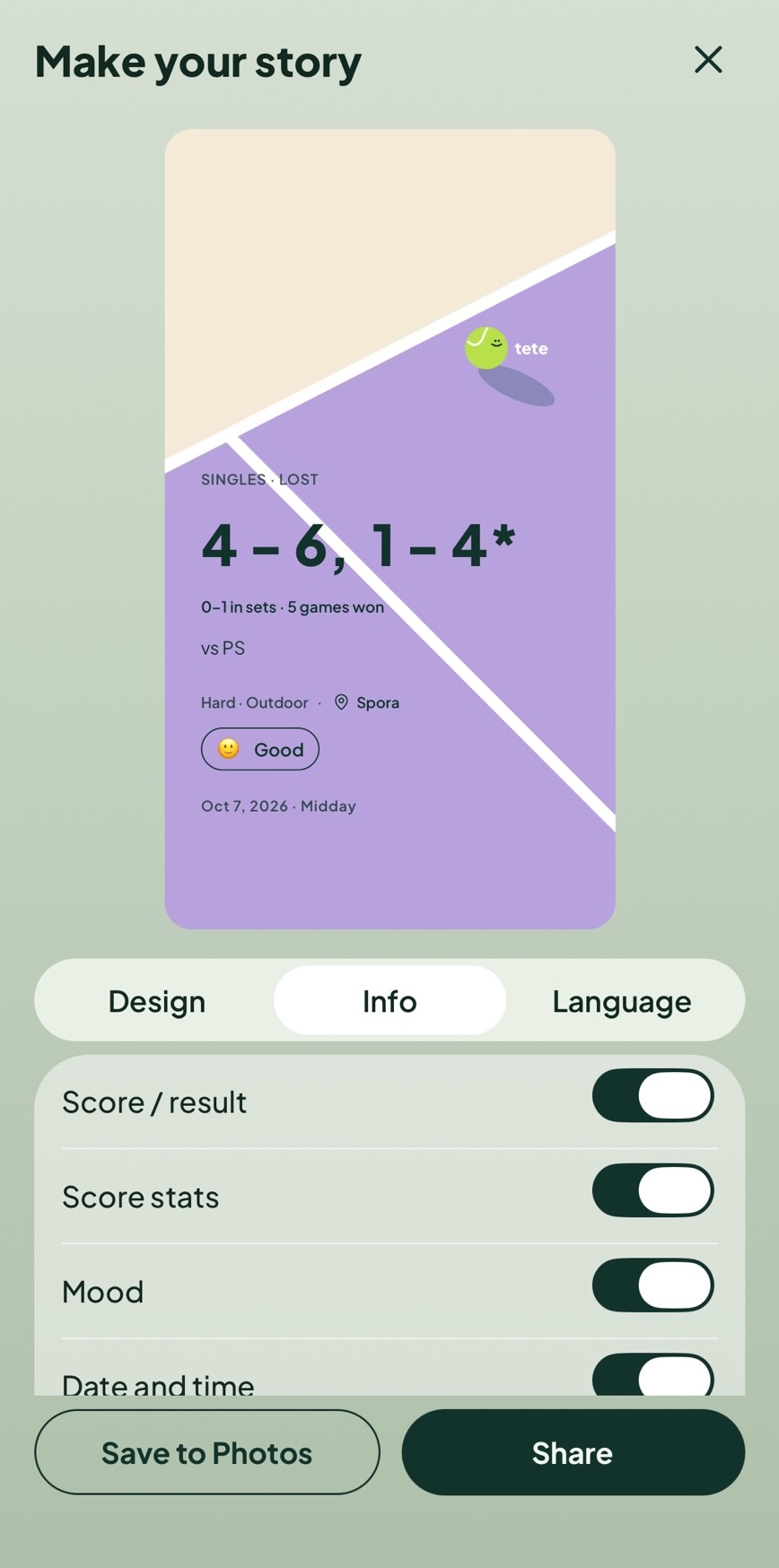
- Illustration: a bright court graphic with color palettes to choose from.
- Court card: a clean tennis-court design colored for the playing surface.
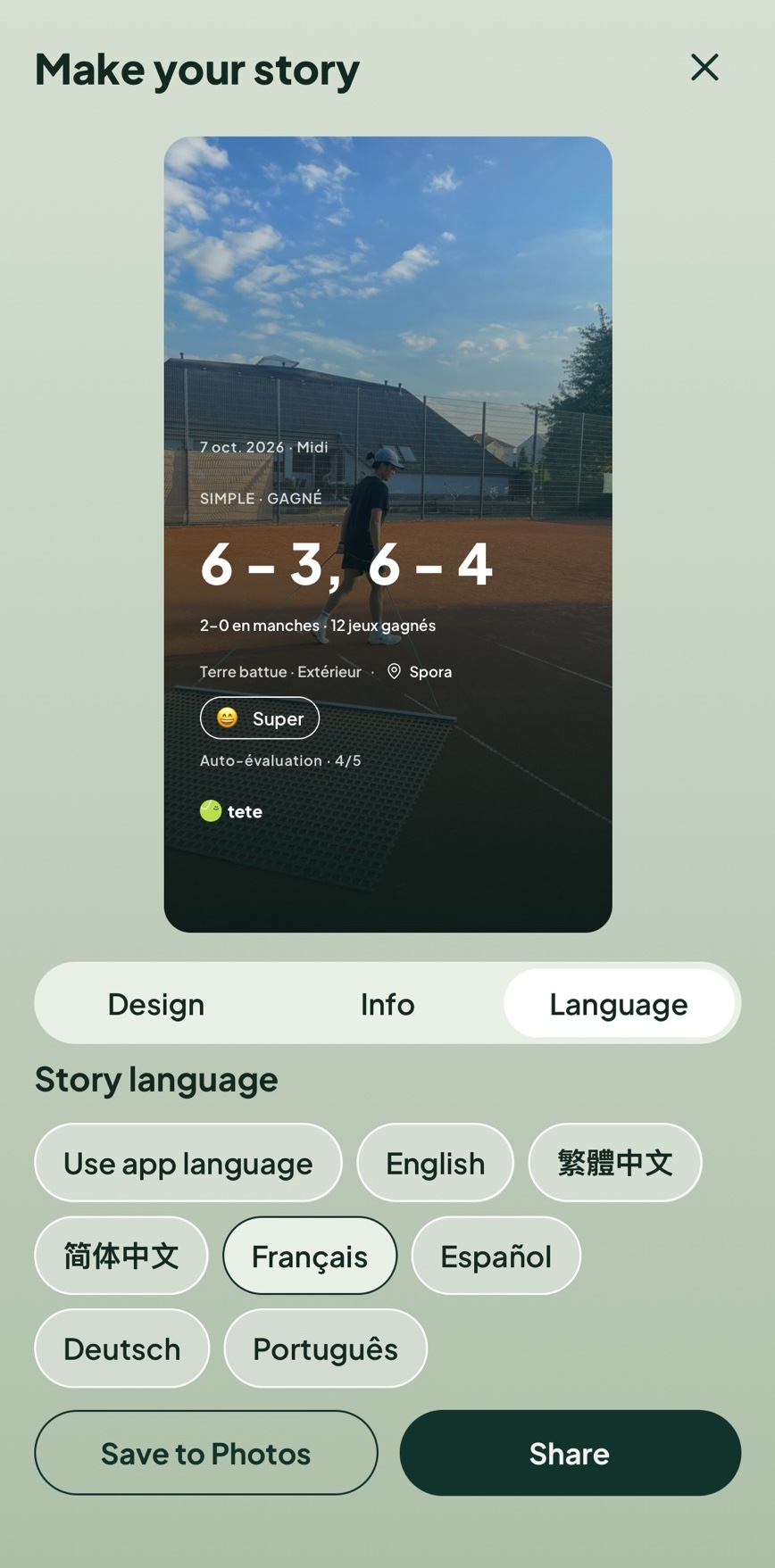
- Photo: use a session photo or upload one as the story background.
Here are two examples using the same story editor:
Choose what to show, in the language you want
Set the story up with just the session details you want:
- Make it yours: change illustration colors or choose a photo just for the story background. Your session photo stays unchanged.
- Choose the details: show or hide score, score stats, players, court, venue, mood, date, and self-rating when available.
- Pick a language: set the story language independently of your app language.
The options follow the session, so a practice without a match score won't show score controls. Keep the score and mood for a match recap, or hide them for a quieter post.
From your session to Instagram in a few taps
The flow is simple:
- Open a session and tap Share to Instagram Story.
- Choose a layout, adjust the details, and preview the 9:16 image.
- Tap Share to open Instagram Stories, or save the image to Photos.
In Instagram, add music, stickers, or a caption, then decide whether to post. tete leaves the final edit and publishing choice to you.
It's a fun way to show off your stats and make a record feel a little less private when you want to share the day. Start from a match or practice session and make the story fit the moment.